Disclosure: Some of the links on this website are affiliate links. It's possible for me to receive a commission at no extra cost to you.
Quick answer: A Shark robot mop smells bad when its pad stays damp, cleaning solution sits in the onboard reservoir, dirty wash water remains in a NeverTouch Pro base, or damp debris reaches the bagless self-empty bin. PowerDetect NeverTouch Pro and Matrix 2-in-1 models need different fixes, so identify the base before cleaning it.
Which Shark mop system do you have?
| Shark setup | What the base handles |
|---|---|
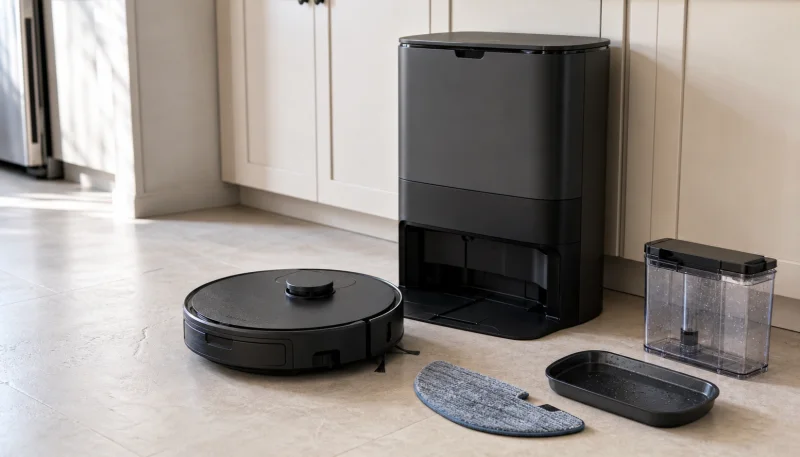
| PowerDetect with NeverTouch Pro base | Empties debris, refills water, washes and dries the mop pad |
| PowerDetect with NeverTouch base | Empties debris, refills water, dries the pad; no automatic pad washing |
| Matrix Plus 2-in-1 | Self-empties dry debris; you fill the robot reservoir and wash the pad |
If your base does not wash the pad, it does not have a mop-wash dirty water tank to clean. Focus on the pad, onboard reservoir, and dry base.
1. A damp or dirty mop pad
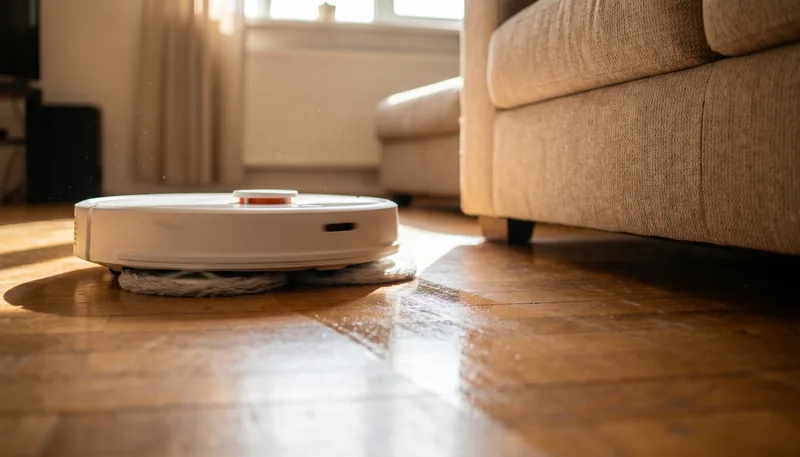
A sour or wet-cloth smell that follows the robot while mopping nearly always starts in the pad.
- NeverTouch Pro: Let the automatic wash and dry finish. Remove the pad if it remains damp.
- NeverTouch: The base dries but does not wash the pad, so rinse or wash the pad manually after dirty jobs.
- Matrix Plus 2-in-1: Remove, wash, and air-dry the microfiber pad after every mopping session.
Replace a pad that still smells after washing and drying. This Shark PADRV28WD pad and PowerDetect base-filter listing covers common replacement consumables, but use the pad and filter specified for the exact robot and base.
2. The NeverTouch Pro wash system
The Pro base washes the mop after a run, which creates a wet side separate from its bagless dust bin. Empty and rinse any removable dirty-water container according to the model guide and wipe the accessible wash area after unplugging the base.
If the pad comes out dirty or water pools in the wash area, check for hair and residue around the tray, drain, and removable filters. Do not pour bleach, vinegar, or fragrance into the base.
3. Stale water or the wrong solution
Empty the robot or base clean-water reservoir before a long idle period. Use Shark VCM60 multi-surface cleaner only when it is listed for the model, and follow its fill marks or dilution directions.
Do not substitute dish soap, essential oil, or a foaming floor cleaner. Foam can disrupt water pickup and leave a stronger residue in the pad and base.
4. The bagless self-empty base
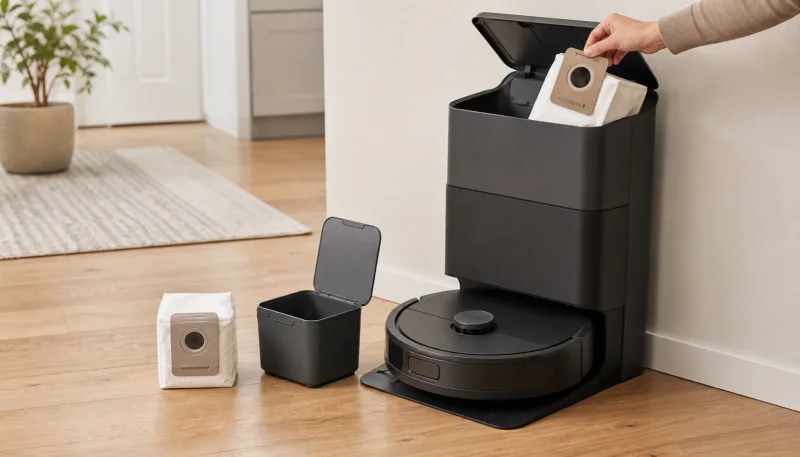
Shark’s bagless base stores dry debris for weeks. Pet hair, food crumbs, and damp material can make it smell during the auto-empty burst.
Unplug the base, empty the canister, and clean or replace its filters as the manual directs. Inspect the robot bin and emptying port for a damp clump. Let every washable part dry completely before reassembly.
For the dry-system procedure, see Robot Vacuum Smells When Emptying? Fix Auto-Empty Dock Odor.
5. The robot bin and filter
The self-empty base can leave material behind in the robot bin. Remove the bin, empty it manually, and check the filter. Only rinse parts that Shark marks washable, and never run the robot with a damp filter.
If the odor appears in vacuum-only mode as well as mopping mode, this dry path is more likely than the water reservoir.
6. The brush roll and wheels
Remove hair from the self-cleaning brush roll’s ends, brush housing, side brush, and front caster. Sticky hair around an axle can smell and add load to the motor.
Stop using the robot if the odor is electrical, melting-plastic, or burning-rubber rather than musty. Unplug the base and contact Shark if it returns after an obvious hair jam is cleared.
Shark odor-prevention routine
- Wash the pad after dirty jobs and let it dry completely.
- Empty wet-side wastewater after each mopping job on a Pro wash base.
- Refresh clean water before long gaps.
- Empty the bagless dry bin more often in pet homes.
- Check the robot bin for damp debris after mopping.
- Use only the Shark cleaning solution specified for the model.
Frequently Asked Questions
Why does my Shark robot mop smell bad?
The most common sources are a damp pad, stale solution in the reservoir, wastewater in a NeverTouch Pro wash base, damp debris in the bagless self-empty bin, a wet filter, or hair around the brush.
Does the Shark NeverTouch base wash the mop pad?
The NeverTouch Pro base washes and dries the pad. The standard NeverTouch base refills water and dries the pad but does not wash it. Matrix Plus 2-in-1 models require manual pad washing.
How do I stop a Shark mop pad from smelling?
Let the dock drying cycle finish if equipped, then remove the pad if it is still damp. Wash it according to the label, air-dry it fully, and replace it when odor remains after washing.
Can I put vinegar in a Shark robot mop?
Do not add vinegar unless Shark explicitly approves it for your exact model. Use the Shark multi-surface cleaning solution listed for the machine and hand-clean removable dirty parts according to the manual.
Why does my Shark smell only when self-emptying?
The bagless base fan is pushing odor from stored pet hair, food, damp debris, or a dirty filter. Empty the base canister, inspect the robot bin and ports, and dry or replace filters as directed.