Disclosure: Some of the links on this website are affiliate links. It's possible for me to receive a commission at no extra cost to you.
Quick answer: If your Roborock only smells when it is mopping, the problem is usually the mop pads or the dock water path rather than the vacuum motor. Wash or replace the pads, empty and rinse the dirty water tank, clean the dock tray and filter, and run the dock-cleaning cycle with plain water or approved Roborock solution. Then make sure the pads dry completely.
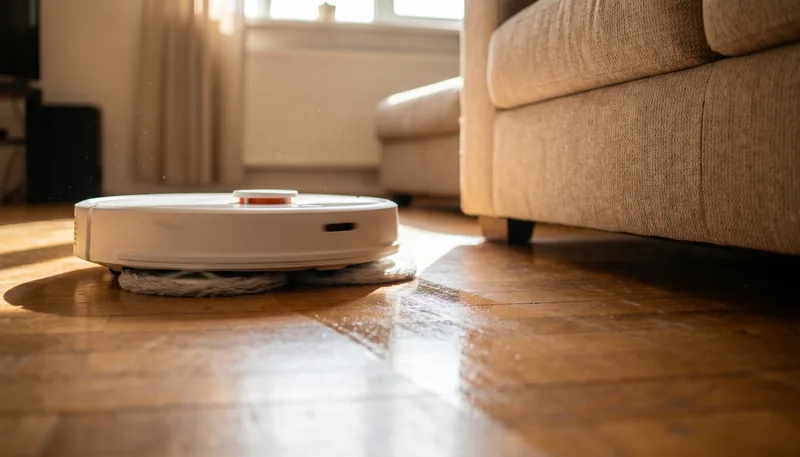
There’s a specific version of a smelly Roborock that catches people out: the robot is fine sitting in its dock, and it’s fine when it’s just vacuuming — but the moment it starts mopping, a damp, sour smell spreads through the room. If that’s you, you can skip most of the usual “why does my robot vacuum smell” checklist. The smell is coming from the wet parts.
Why mopping is when the smell shows up
A dry vacuum pass just moves air and dust. Mopping is different — the robot pumps water onto the pads and drags them across your whole floor. If anything in that water loop is bacterial, mopping is the moment it gets aerosolised and spread over a large surface area, which is exactly when your nose notices it.
There are three places the smell comes from, and mopping activates all of them at once:
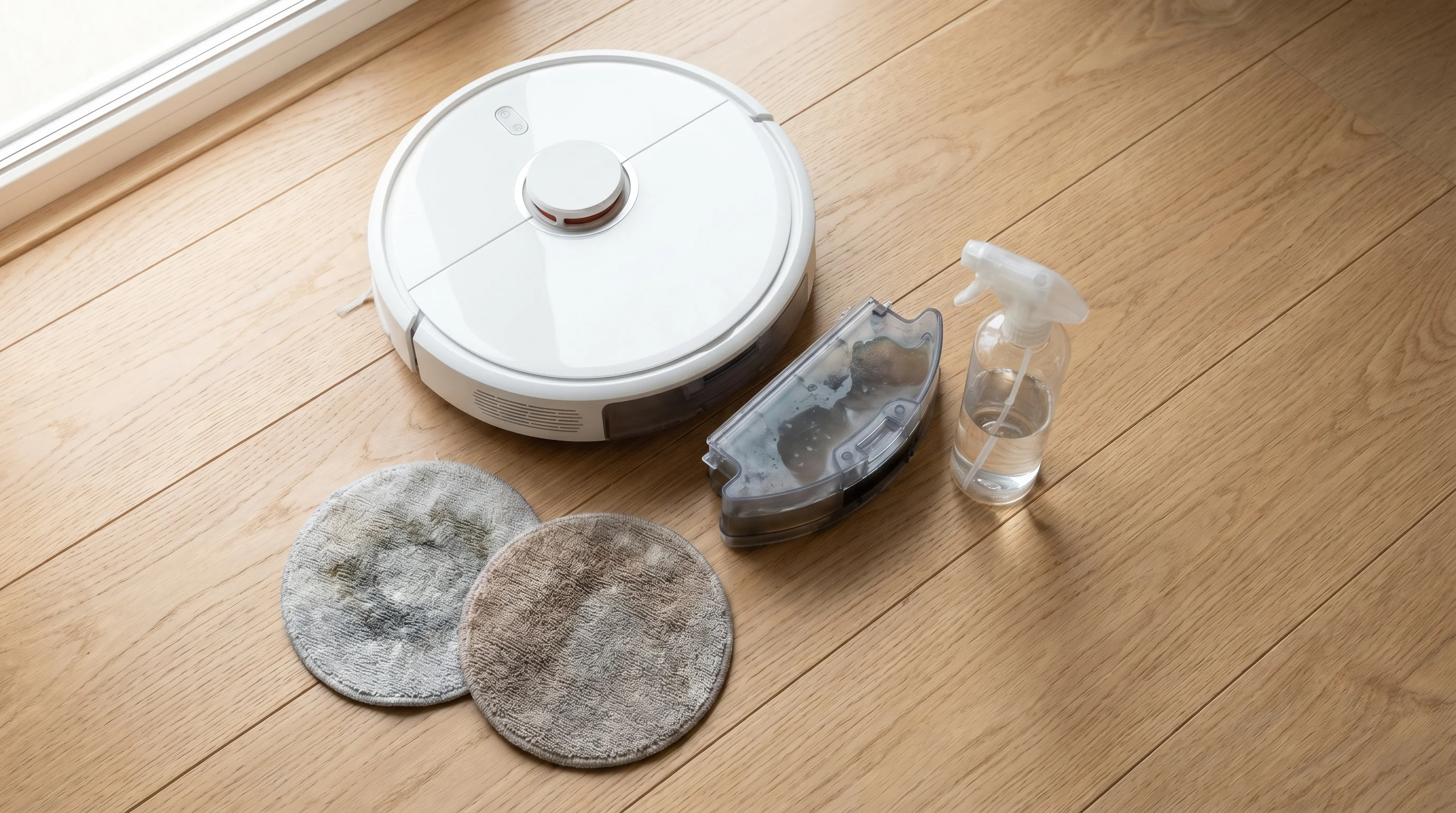
- The mop pads. Pads that go back to the dock wet and never dry out grow bacteria and mildew within a day or two. This is the number-one cause of a mopping-only smell — the pads themselves stink, and mopping presses that smell into the floor.
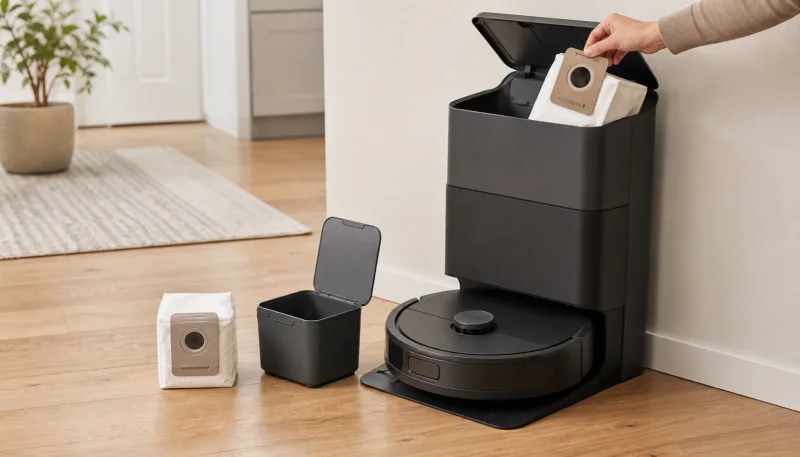
- The dirty water tank. Used mop water sits in the tank between runs and turns sour. Some of that water recirculates or drips, adding to the smell. (This is the same swampy tank smell covered in the Roborock dirty water tank guide.)
- The clean water tank and lines. Less common, but if the clean water tank has been sitting full for weeks, biofilm can grow inside it and the lines, so even “fresh” mop water starts out slightly off.
The fix, in order
1. Deal with the mop pads first. Peel them off and smell them directly — if they’re the source, it’s obvious. Machine-wash them (no fabric softener, it clogs the fibres and holds smell), or if washing no longer clears it, replace them. Keep model-matched Roborock Qrevo spinning pads or S7/S8 VibraRise pads on hand so you’re never mopping with a smelly one.
2. Empty and rinse the dirty water tank. Tip it out, rinse under warm water, and give it a shake. Do this after every mopping run, not once a week — standing mop water is the fastest thing in the whole machine to go bad.
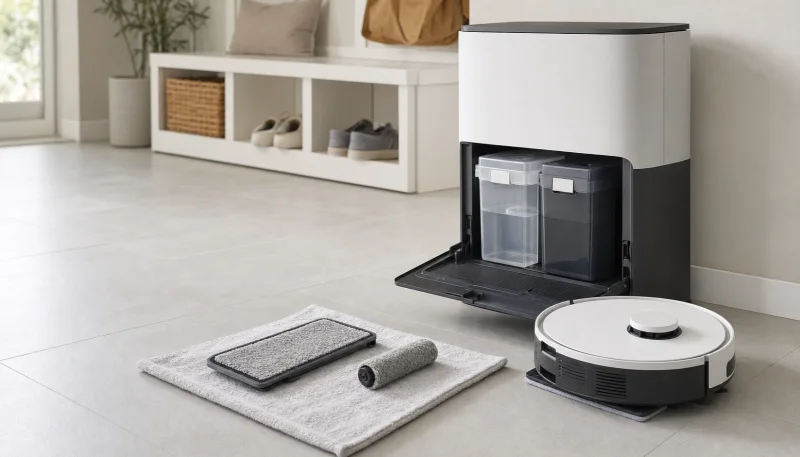
3. Clean the dock tray and run a dock-cleaning cycle. Remove and rinse the tray or filter if your dock design allows it, wipe the fixed basin, then use the app’s dock-cleaning control with plain water or official Roborock floor cleaning solution — the solution also cuts the greasy film that feeds the smell. Skip vinegar and household disinfectant in the clean tank; Roborock approves only its own solution for the water path.
4. Let everything dry. This is the step that stops it coming back. After a run, take the pads off so they air-dry instead of sitting damp under the robot, and leave the dirty water tank lid off for a bit. A dry mop system can’t grow the bacteria that causes the smell in the first place.
Stopping the mopping smell for good
The prevention pattern is simple: rinse the tank after every run, wash the pads weekly, dry the pads between runs, and clean the dock tray weekly. Drying is the easy step to miss, especially in a humid room or when the robot runs back-to-back jobs.
For a stubborn case where the pads and tank are clean but the smell persists, inspect underneath the removable wash tray and around its drain filter. Keep sprays and excess liquid away from the dock’s contacts, sensors, seams, and air openings.
For the complete tank routine, see Roborock dirty water tank smells bad? 6 fixes that work. If the tank side is the recurring problem, a waste-side deodorizer keeps it fresh between empties.
Frequently Asked Questions
Why does my Roborock only smell bad when it's mopping?
Because mopping is when the wet parts get used. Damp mop pads and sour dirty-water-tank water only spread their smell when the robot pumps water and drags the pads across the floor. Sitting in the dock or dry-vacuuming doesn't disturb them, so the smell only appears during a mop run.
How do I stop my Roborock mop pads from smelling?
Peel them off after every run so they air-dry instead of staying wet under the robot, machine-wash them weekly without fabric softener, and replace them when washing no longer clears the smell. Wet pads that never dry are the number-one cause of a mopping smell.
Can I put vinegar in my Roborock to fix the mopping smell?
Roborock's current general guidance says to use only Roborock cleaning solution in the machine. Do not add vinegar to the clean tank or dock lines. Clean the removable dirty tank and tray by hand, then use plain water or approved solution for the dock-cleaning cycle.
My pads and tank are clean but my Roborock still smells when mopping — why?
Check under the dock's mop-wash tray, its drain filter, and the clean water tank. Residue can hide under the tray, while water left for weeks can become stale. Clean removable parts according to the manual, refresh the clean water, and extend pad drying.